Smart ceiling lights are changing how people manage comfort, energy, and daily routines at home. A phone can dim a bedroom light, switch off a hallway fixture, or create a warm evening scene without reaching for a wall switch. Yet many homeowners still ask, “how to control smart ceiling lights with phone” safely and reliably. The answer depends on the light’s wireless protocol, mobile application, home network, and voice-assistant support.
Energy efficiency gives this topic practical importance. The U.S. Department of Energy reports that LED bulbs use at least 75% less energy than incandescent lighting and can last up to 25 times longer. The International Energy Agency has also identified lighting as a major electricity-use category worldwide. Smart controls may improve savings further, especially when schedules, occupancy sensors, and automatic shutoff features are configured correctly.
Convenience matters. However, installation is not always seamless. A ceiling light may require a 2.4 GHz Wi-Fi connection, a compatible hub, or a neutral wire. Some products lose remote control when the router fails. Others collect usage data, so privacy settings deserve careful review. This guide explains the setup process with practical steps, including pairing, app permissions, room grouping, timer creation, and troubleshooting. It also considers Matter compatibility and manufacturer instructions, rather than assuming every smart light works the same way. Start with compatibility. A few minutes spent checking specifications can prevent repeated resets, weak connections, and disappointing performance.
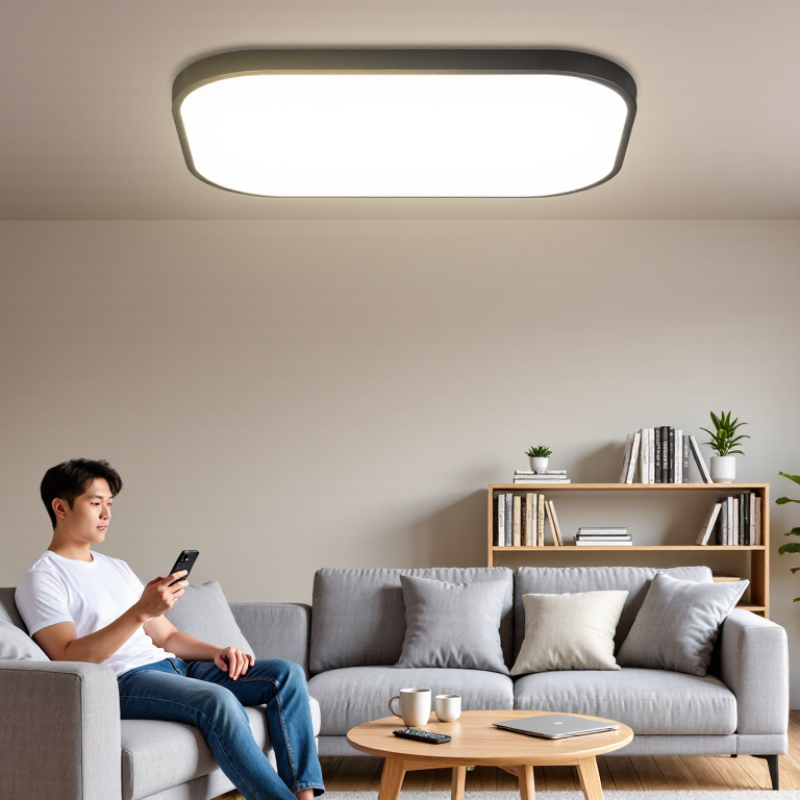
Smart ceiling lights combine LED lighting, wireless communication, and a small control system inside the fixture. Unlike ordinary ceiling lamps, they can adjust brightness, color temperature, and sometimes color through a phone application. Some models use Wi-Fi, while others connect through Bluetooth or a separate home hub. The connection method affects range, response time, and whether remote control works outside the home.
Phone control usually begins with installing the correct application and pairing the light with your home network. During setup, place your phone near the ceiling light and use a stable 2.4 GHz network if required. The app may then offer a brightness slider, scheduled lighting, voice control, and room grouping. I find scheduled dimming useful at night, especially when the room feels too bright before sleep. Still, setup is not always smooth. A weak signal, incorrect permissions, or a changed router password can interrupt pairing.
Reliable use also depends on safe installation and careful account protection. Turn off electrical power before physical installation, and ask a qualified electrician for fixed wiring work. Keep application software updated, use a strong password, and avoid sharing control access casually. In my experience, automatic scenes save time, but they can behave unexpectedly after a network outage. A manual wall switch remains valuable. Smart control is convenient, not infallible.
A practical overview of smart ceiling-light features, phone-control requirements, and everyday use
| Data Dimension | What It Describes | Typical Facts and Specifications | How It Affects Phone Control |
|---|---|---|---|
| Product Definition | What makes a ceiling light “smart” | A smart ceiling light combines an LED light source with wireless communication and electronic controls. | The light can receive commands from a compatible mobile application instead of relying only on a wall switch. |
| Wireless Connection | The communication method between the light, phone, and network | Common connection methods include Wi-Fi, Bluetooth, and low-power mesh protocols. The available method depends on the light’s design. | Bluetooth is usually suitable for nearby control, while Wi-Fi can support remote access when the light is connected to the internet. |
| Mobile Application | The software used to operate the light | The application normally provides power, brightness, color, schedules, scenes, and device-management functions. | The phone sends commands through the application, which then communicates directly with the light or through a compatible home network. |
| Initial Setup | The normal process for adding a light to a phone | Typical steps are installation, powering on, opening the application, selecting add-device mode, connecting to the supported network, and naming the light. | Setup is generally required only once unless the light is reset, moved to another network, or transferred to a different account. |
| Power Control | Turning the ceiling light on or off | Power control is usually available through an on-screen button or a programmed schedule. | The phone can operate the light without physically reaching the wall switch, provided the light remains powered. |
| Brightness Adjustment | Changing the amount of light produced | Many dimmable LED ceiling lights allow brightness changes through a slider or preset levels. | The user can set a comfortable level for activities such as reading, dining, relaxing, or sleeping. |
| Color Temperature | Changing the light from warmer to cooler white | Adjustable white models commonly offer warm white, neutral white, and cool white settings. The actual range varies by model. | The phone can select a color-temperature value or preset without replacing the lamp or manually adjusting a fixture. |
| Color Lighting | Changing the light to colored illumination | Only lights with color-capable LEDs can produce selectable colors. White-only models do not provide this function. | When supported, the application usually provides a color wheel, color presets, or saved scenes. |
| Schedules and Timers | Automatic operation at selected times | Schedules can typically specify days, start times, end times, brightness, and sometimes color or color temperature. | The light can turn on gradually in the morning, switch off at bedtime, or follow a regular daily routine. |
| Scenes and Presets | Saved combinations of lighting settings | A scene may combine power status, brightness, color temperature, and color into one tap. | Users can quickly apply settings such as “Reading,” “Relax,” or “Night,” if those options are supported by the application. |
| Remote Access | Control from outside the home | Remote operation generally requires the light to be connected to an internet-enabled Wi-Fi network and the phone to have internet access. | The user may check or change the light’s status while away, although availability depends on the device’s cloud and network design. |
| Local Control | Operation within the same home or nearby area | Some lights can be controlled locally through Bluetooth or a local network even when internet access is unavailable. | Local control can reduce dependence on remote services, but the exact functions may be more limited than cloud-based control. |
| Wall-Switch Behavior | How physical power affects smart functions | If the wall switch cuts electrical power, the ceiling light cannot receive phone commands. | For reliable phone control, the light usually needs continuous power; the wall switch should remain on unless manual shutoff is required. |
| Voice and Automation Compatibility | Integration with other smart-home controls | Some products can connect with voice assistants, motion sensors, timers, or broader home-automation routines. | Phone control may be combined with voice commands or automatic actions, depending on compatibility and user permissions. |
| Energy Characteristics | Electrical efficiency and operating load | LED ceiling lights generally use less electricity and produce less heat than comparable traditional incandescent lighting. | Phone-based scheduling can reduce unnecessary operating time, but standby energy may still be used while the light remains connected. |
| Installation Requirements | Physical and electrical conditions needed for installation | Installation may require a suitable ceiling junction box, compatible wiring, adequate clearance, and safe isolation of mains power. | The mobile application does not replace safe electrical installation; uncertain wiring should be handled by a qualified electrician. |
| Network Compatibility | Whether the home network can connect to the light | Some Wi-Fi lights support only particular Wi-Fi bands or security settings, and setup may fail if the network is incompatible. | Checking the product’s network requirements before purchase can prevent pairing and connection problems. |
| Privacy and Security | Protection of the account, application, and network | Good practices include using a strong unique password, updating the application, securing the home network, and granting only necessary permissions. | Secure account access helps prevent unauthorized control and protects information associated with the smart-home setup. |
| Common Troubleshooting | Typical reasons phone control may fail | Frequent causes include loss of power, weak signal, incorrect network credentials, outdated software, or an incomplete pairing process. | Checking power, network status, application permissions, and the manufacturer’s reset procedure can often restore control. |
| Best Use Cases | Situations where phone control is especially useful | Common examples include bedtime shutoff, scheduled lighting, accessibility support, vacation-style occupancy routines, and room-specific scenes. | Phone control improves convenience and flexibility, particularly when the ceiling fixture is difficult to reach. |
| Control Availability | Whether all functions work under every condition | Depends on model and connection | Features such as remote access, color adjustment, voice control, and automation may require specific hardware, software, or network conditions. |
Important: Electrical installation should be completed with the power safely isolated. Always check the light’s installation instructions, supported wireless connection, voltage requirements, and application permissions before use.
They are ceiling fixtures with LED lighting, wireless communication, and built-in controls. They can adjust brightness, color temperature, and sometimes color.
Install the correct app, pair the light, and connect it to your home network. Name each room clearly, such as “Kitchen” or “Study.”
Some models use Wi-Fi, while others use Bluetooth or a separate hub. Wi-Fi may support remote control outside home, but range depends on signal strength.
A weak signal, missing phone permissions, or a changed router password can interrupt pairing. Keep your phone near the light during setup.
You can adjust brightness, color temperature, dimming limits, and daily scenes. Useful scenes include reading, cooking, and evening relaxation.
Yes. You can set gradual changes, such as brightening at 6:30 a.m. and dimming after bedtime. Sudden changes can feel harsh.
Some models retain manual wall control, but phone features may stop working. Test this before relying on automatic routines. Mine once failed.
Turn off electrical power before installation, and use a qualified electrician for fixed wiring. Protect the account with a strong password and updated software.
Assign simple room names and avoid creating too many scenes. A short list works better than ten forgotten routines. Review permissions occasionally.
Smart ceiling lights combine LED lighting with wireless connectivity, allowing users to operate them through a mobile phone instead of a traditional wall switch or remote. Before setup, check that the light is compatible with your phone, home Wi-Fi network, electrical system, and the required wireless frequency. Make sure the installation area has stable power and follow all safety instructions when mounting and wiring the fixture.
To learn how to control smart ceiling lights with phone, first install the light’s official mobile application and create an account if required. Add the ceiling light in the app, then connect it to your home Wi-Fi by following the on-screen pairing steps. Once connected, you can turn the light on or off, adjust brightness and color temperature, create schedules, set timers, and customize scenes for different activities. A stable Wi-Fi connection and updated app will help maintain reliable control.

